


How to choose free OSINT tools for an investigation
To choose free OSINT tools for an investigation, match the tool to the identifier you hold and the question you need answered.
- A name or username goes to the Email Permutator to enumerate candidate addresses.
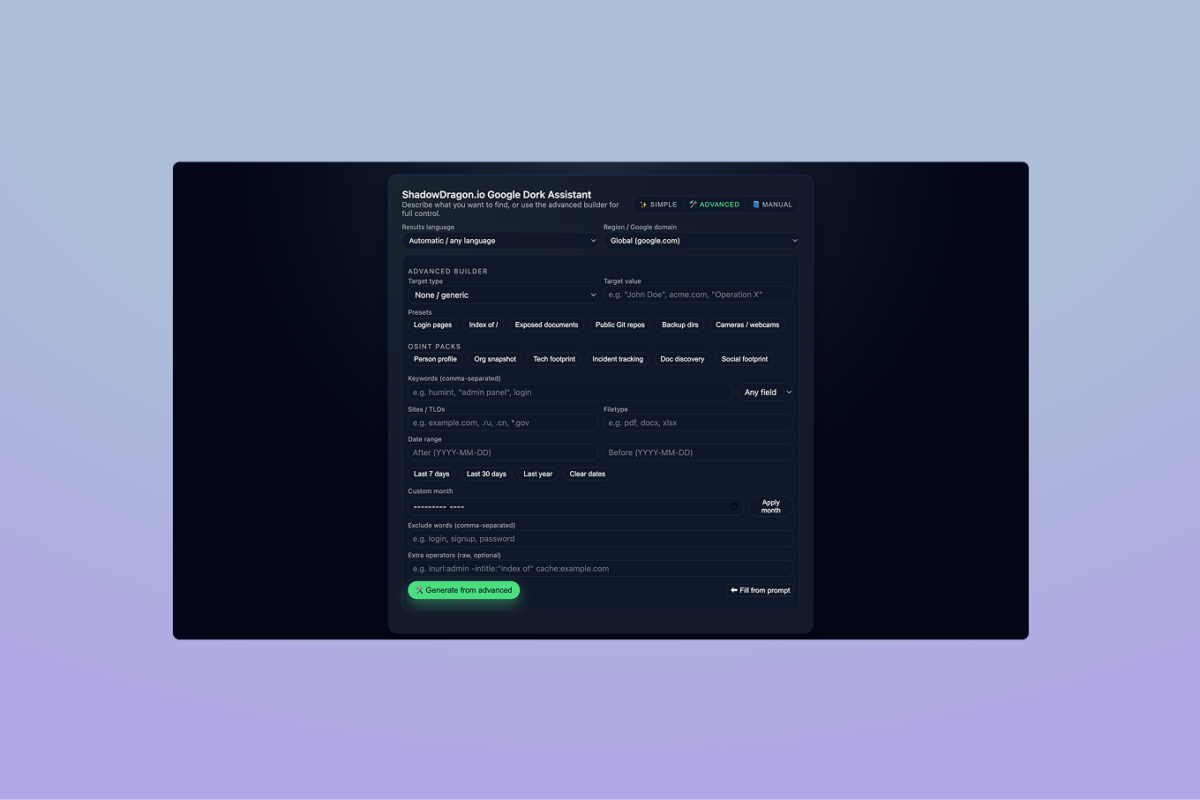
- A research goal with no obvious source goes to the Google Dork Assistant, which writes the advanced search for you.
- A photo whose provenance matters goes to Digital Image Forensics for error level analysis and metadata.
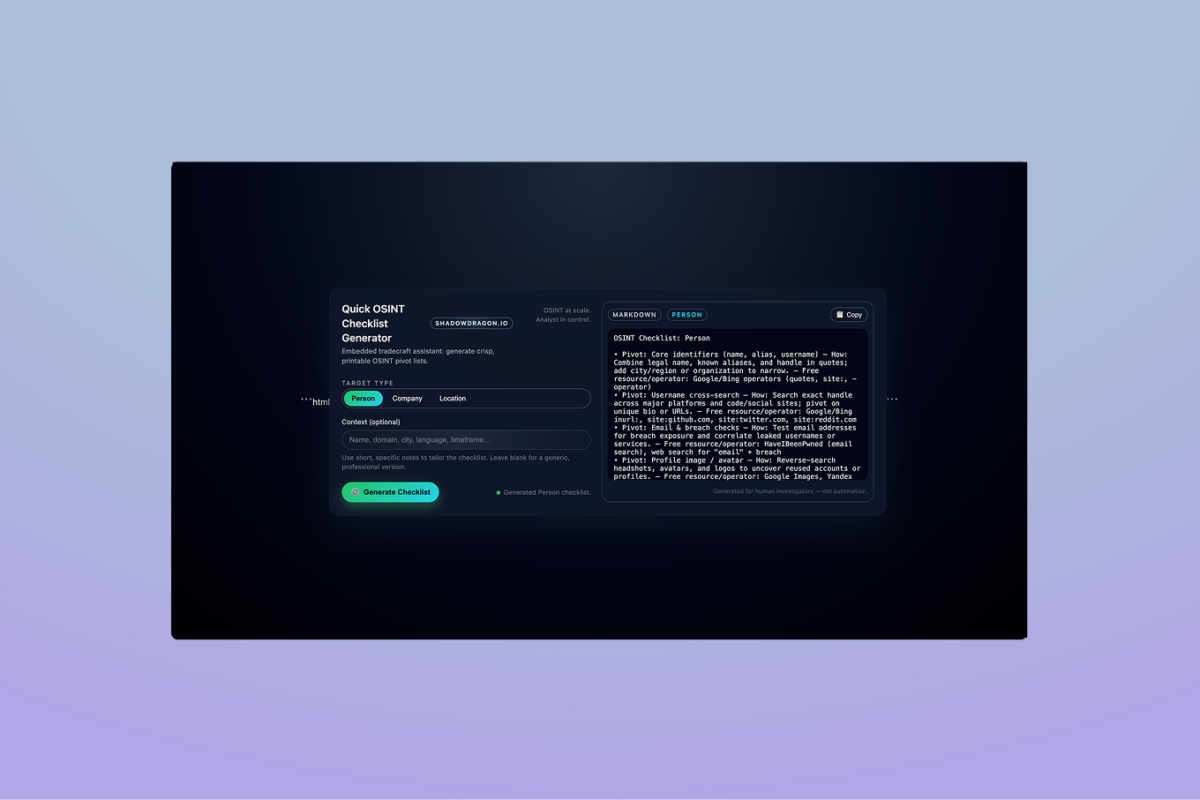
- A case with many pivots goes to the Checklist Generator so no step gets skipped.
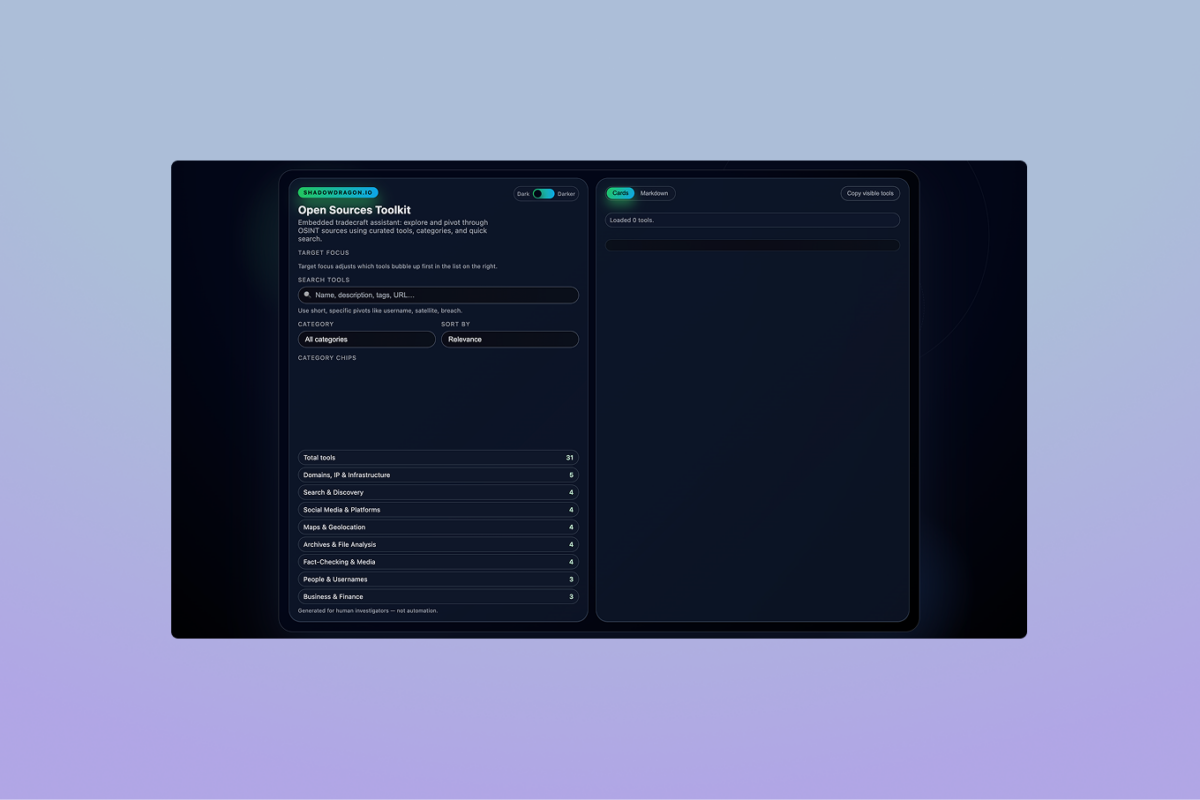
- When you do not know where to look, the Open Sources Toolkit lists curated sources by category.
Investigators who choose free OSINT tools this way spend less time on tooling and more time on OSINT techniques that produce evidence.
Nico Dekens, Senior SANS Instructor and a ShadowDragon contributor, put the same point more bluntly on Maltego’s Pivot Podcast:
“The biggest tool I use is my brain.”
– Nico Dekens, Senior SANS Instructor and ShadowDragon contributor, former Dutch law enforcement. The Pivot Podcast (Maltego), May 2023
The free OSINT tools above shorten the mechanical steps so that judgment, not tooling, decides the case.
Which free OSINT tools work online without installing anything
Free OSINT tools that work online without installing anything include all ShadowDragon® tools on this page: the Google Dork Assistant, Email Permutator, Digital Image Forensics, Checklist Generator and Open Sources Toolkit.
Each OSINT tool runs online in a standard browser with nothing to install and no account to create. Digital Image Forensics processes uploaded photos locally, so files never leave the machine.
That matters on locked-down government and corporate workstations, where IT blocks desktop software and Python packages but allows a browser. It also matters on a clean research virtual machine that is wiped after each case.
OSINT tools for social media investigations
Free OSINT tools for social media work best as pivots rather than as scrapers.
- The Email Permutator turns a known name into candidate addresses that can be checked against account recovery flows on major platforms.
- The Google Dork Assistant builds site: and inurl: queries that surface public profiles and posts a normal search buries.
- The Open Sources Toolkit groups username, image and social media sources in one place.
ShadowDragon® documents the full five-step method in its guide to OSINT social media search. The SocialNet® API covers the collection depth that free tools cannot reach.
Free OSINT tools for Android and mobile
Free OSINT tools for Android need no app when they are browser based. Every tool on this page loads in Chrome or Firefox on an Android phone or tablet.
Digital Image Forensics runs its error level analysis on the device, which keeps case photos off third-party servers. Field investigators use the Google Dork Assistant and Checklist Generator on mobile during interviews and site visits, then move to a desktop for link analysis.
For the same reason, the tools also work on iOS and ChromeOS.
Free tools vs the OSINT Framework
The OSINT Framework is a free, volunteer-maintained web directory that organizes hundreds of open source intelligence tools by the data type you start with, such as username, email address, domain or social media. The OSINT Framework links out to tools but does not run any of them.
The free OSINT tools on this page are the opposite: five utilities ShadowDragon® built and hosts, each solving one task in the browser.
Use the OSINT Framework to discover sources for an unfamiliar data type, then use these tools to act on what you find.
We explain the directory in detail in our OSINT Framework guide.
Limitations of free OSINT tools
Free tools have limitations when conducting open source intelligence investigations and research.
They cannot verify, correlate or preserve what they find. A dork returns pages, a permutator returns candidates and an ELA map flags regions worth a second look. Each output still needs a human to confirm it against a second source and to record how it was found.
Free OSINT tools also lack audit logs, case management and cross-platform correlation, which matter the moment findings reach a prosecutor, a compliance officer or a board.
The Horizon® platform picks up where free tools stop, with Identity for rapid triage, Investigate for link analysis and Monitor for ongoing collection.
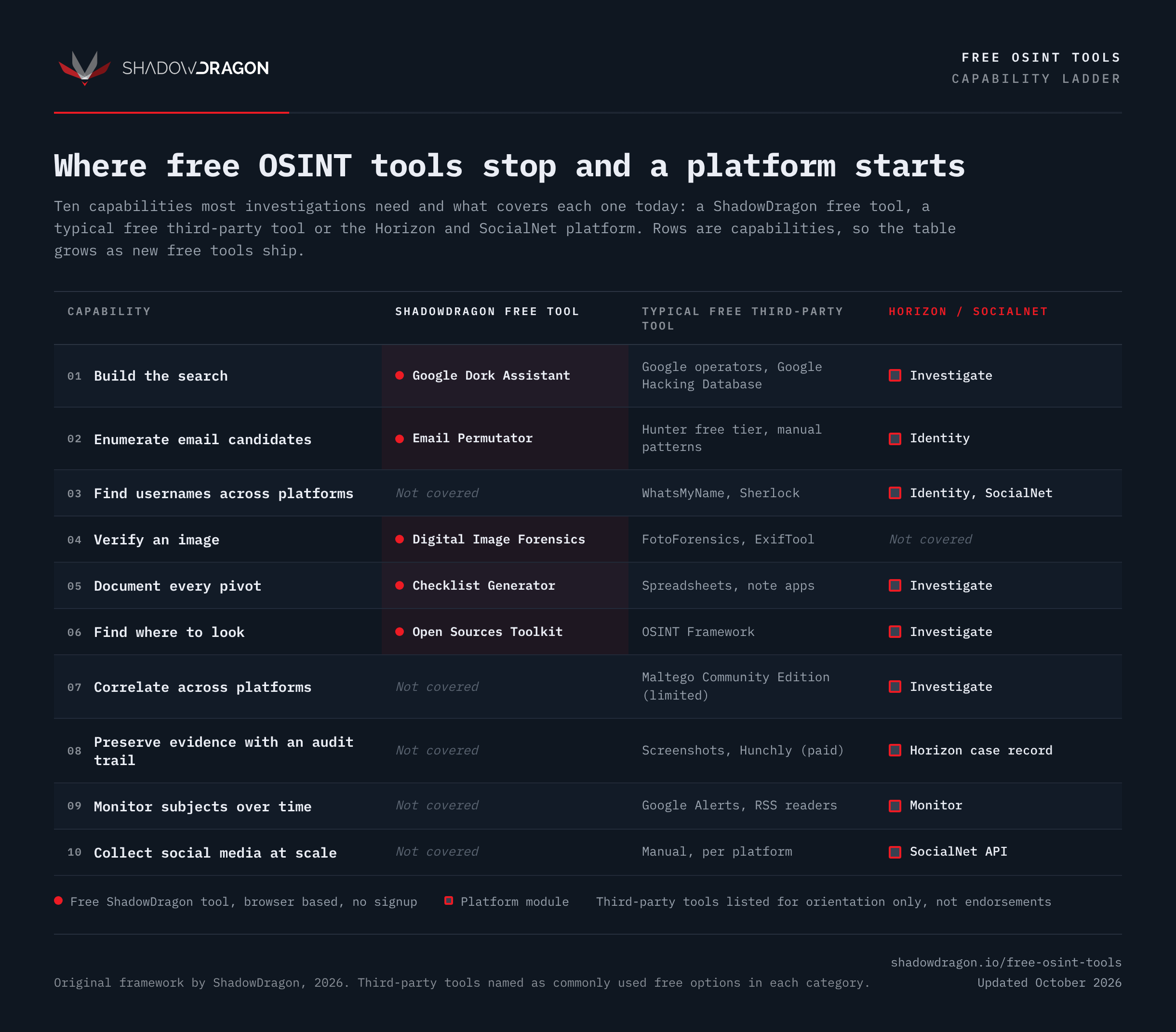
Ten capabilities most investigations need and what covers each one. Original framework by ShadowDragon, 2026.
Eliot Higgins, founder of Bellingcat, gave Chatham House the test every lead has to pass:
“Simply, it is a question of whether the information available in the piece of evidence supports the claim being made.”
– Eliot Higgins, Founder, Bellingcat. The World Today, Chatham House, December 2022
A free tool produces the piece of evidence. Only the investigator can say whether it supports the claim.